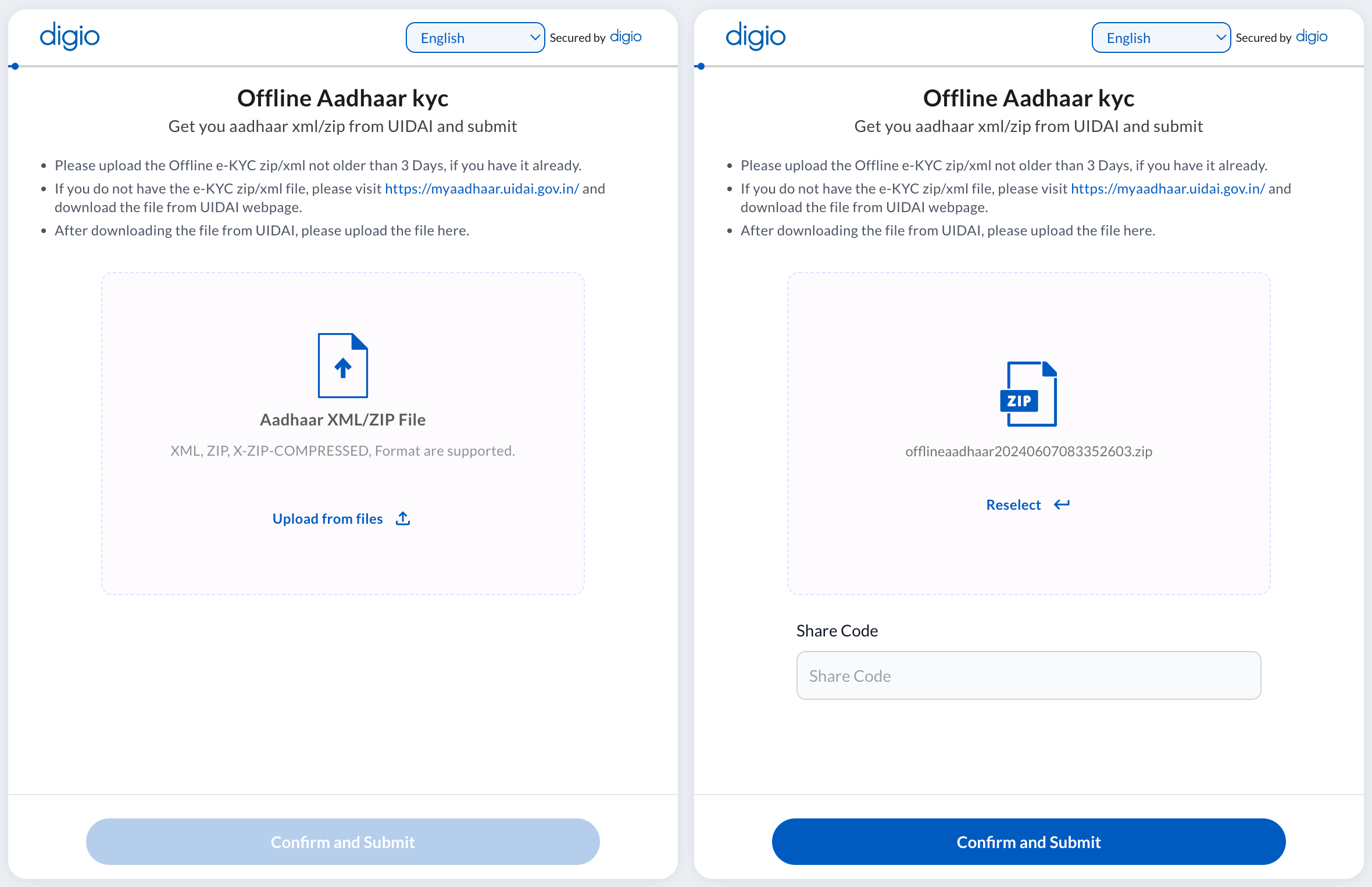
This step is used to verify the user’s Aadhaar number. This step uses an XML of the Aadhaar data from UIDAI which is authenticated and downloaded to the device if not already present. The share code (set by the user for the XML during download) along with the XML itself can be used for any number of verifications without OTP. This is what it looks like in the workflow builder
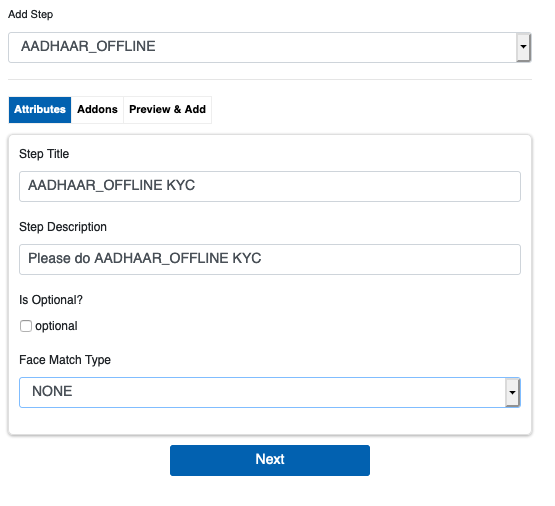
The AADHAAR_OFFLINE step has two attributes, Optional and Face Match Type. Optional makes the step optional for the user to perform to continue with the workflow.
-
FACEMATCH.OPTIONS
Face Match Type has three options:
- MATCH REQUIRED - The face must match the defined source to a high degree.
- SOURCE - Defines the photograph associated with Aadhaar as the source image to be used for face match.
- NONE - Face Match not required.
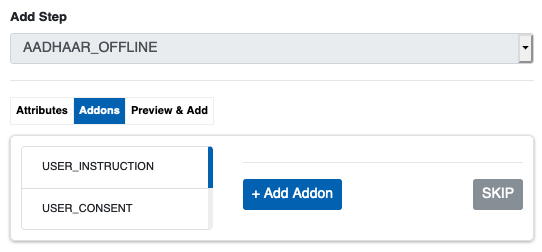
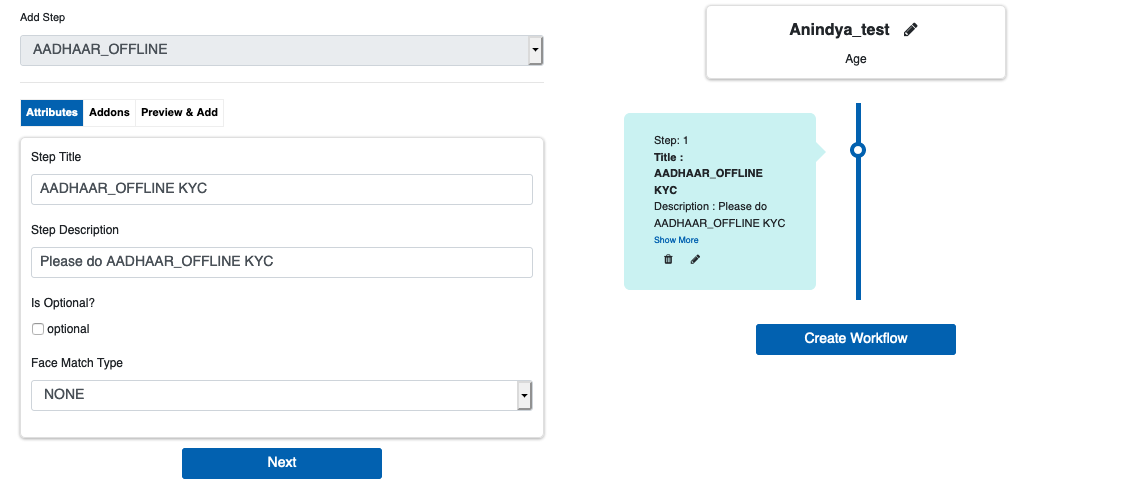
AADHAAR_OFFLINE can have the three Addons as in the image above. Select the required addons and click ‘Next’ or click ‘SKIP’. After saving the step, it is visualized as part of the workflow on the right side of the screen.
The client/user side view of the step: