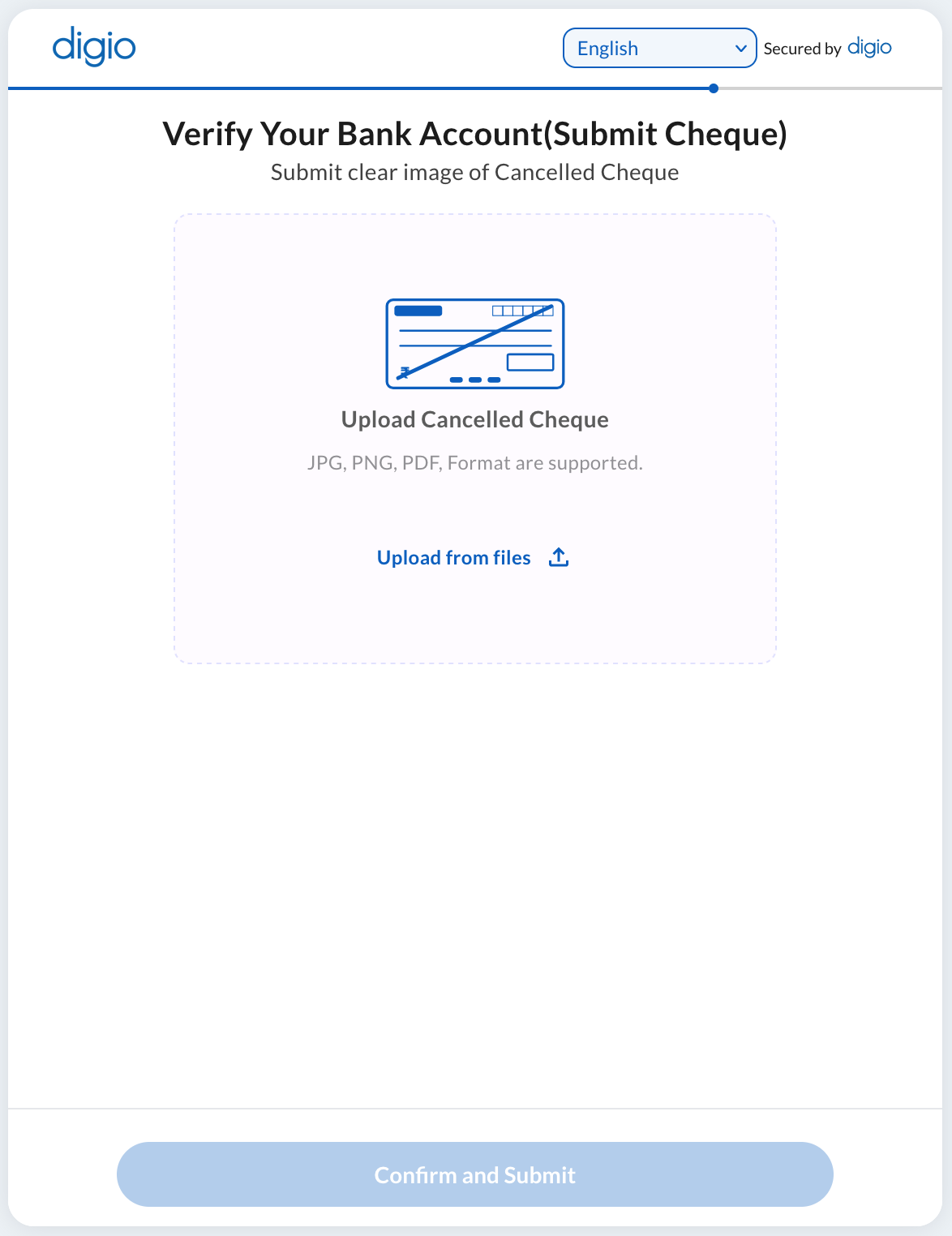
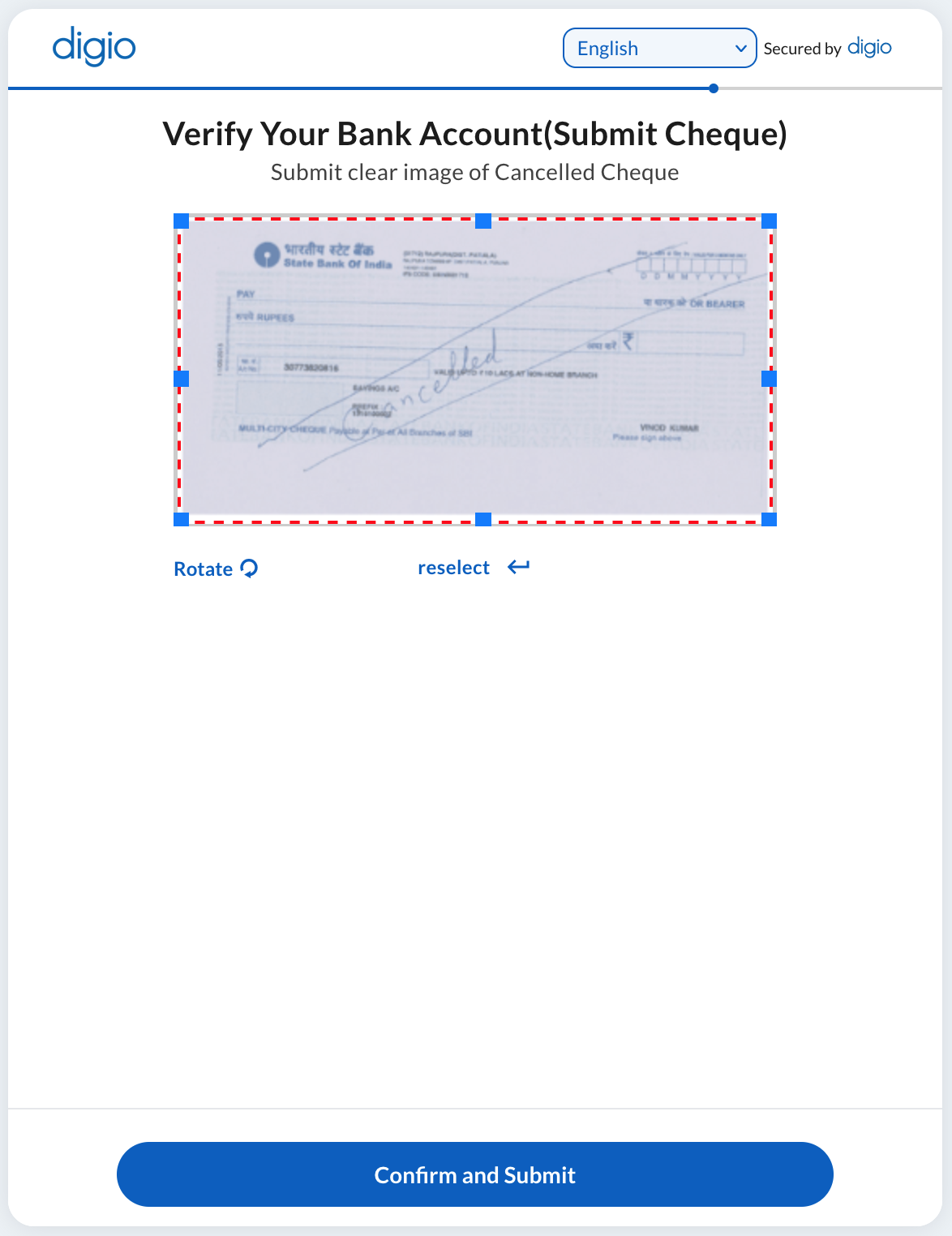
The CHEQUE step allows the user to upload a cheque and recognizes the name of the Bank and the account number from the same.
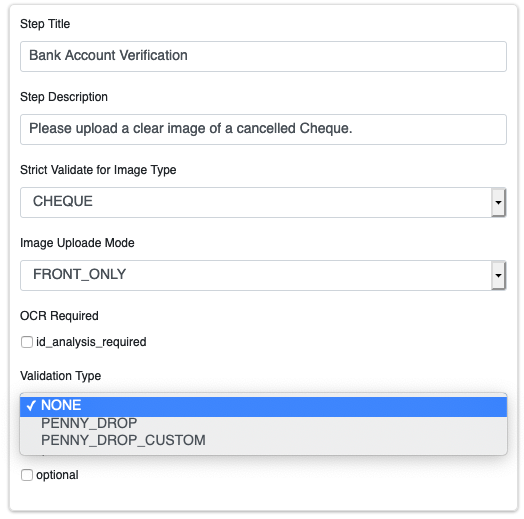
Additionally, a CHEQUE step can have a PENNY_DROP or a CUSTOM_PENNY_DROP configured with it to automatically verify the Bank Account recognised from the cheque. For more details on Penny Drop.
When Custom Penny Drop is selected, an input field appears after uploading the cheque to enter the amount (between INR 1 and 2) deposited by IMPS into the account the cheque belongs to. In normal penny drop the input field is not shown and the flow is complete on successful detection of account details from the Cheque.
Here’s a video guide to configure this step: https://youtu.be/4GYwR5YiLgw