The Penny Drop step is used to enter the user’s bank account number and verify that it exists and is active, by dropping 1 INR into that account. The account beneficiary’s name is also returned as a result of this step.
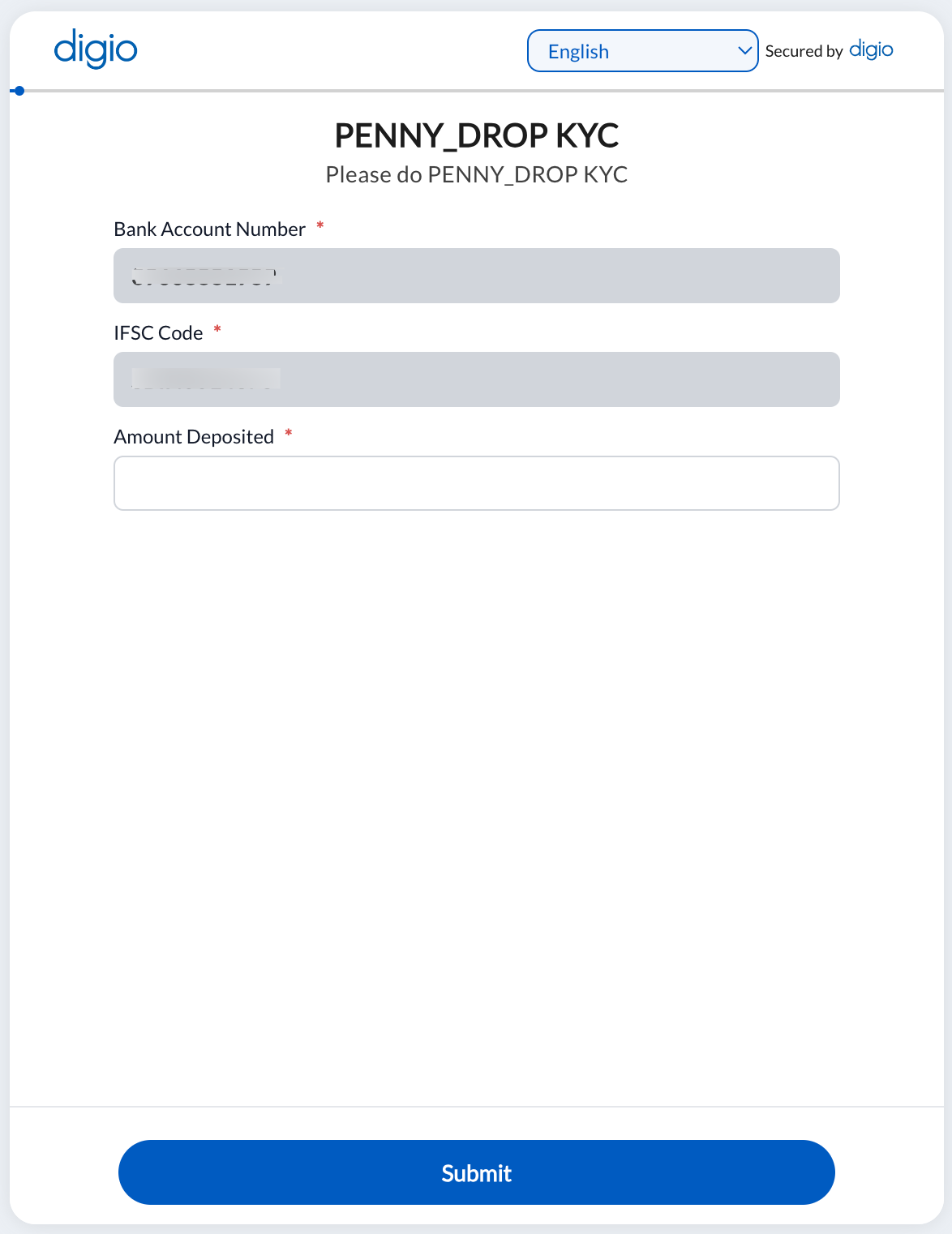
Custom Penny Drop is when a random amount between 1 and 2 INR is dropped into the customer’s Bank Account by IMPS and the user is asked for a confirmation of the amount credited to his/her bank account. are asked to enter the amount.
The configuration screen is as shown below:
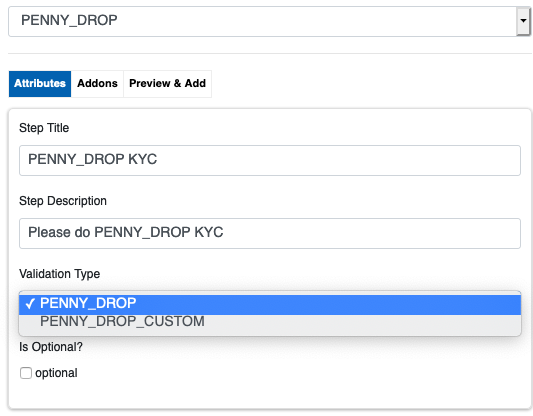
The video guide for this step can be found here: https://youtu.be/QFHoKVADmnM
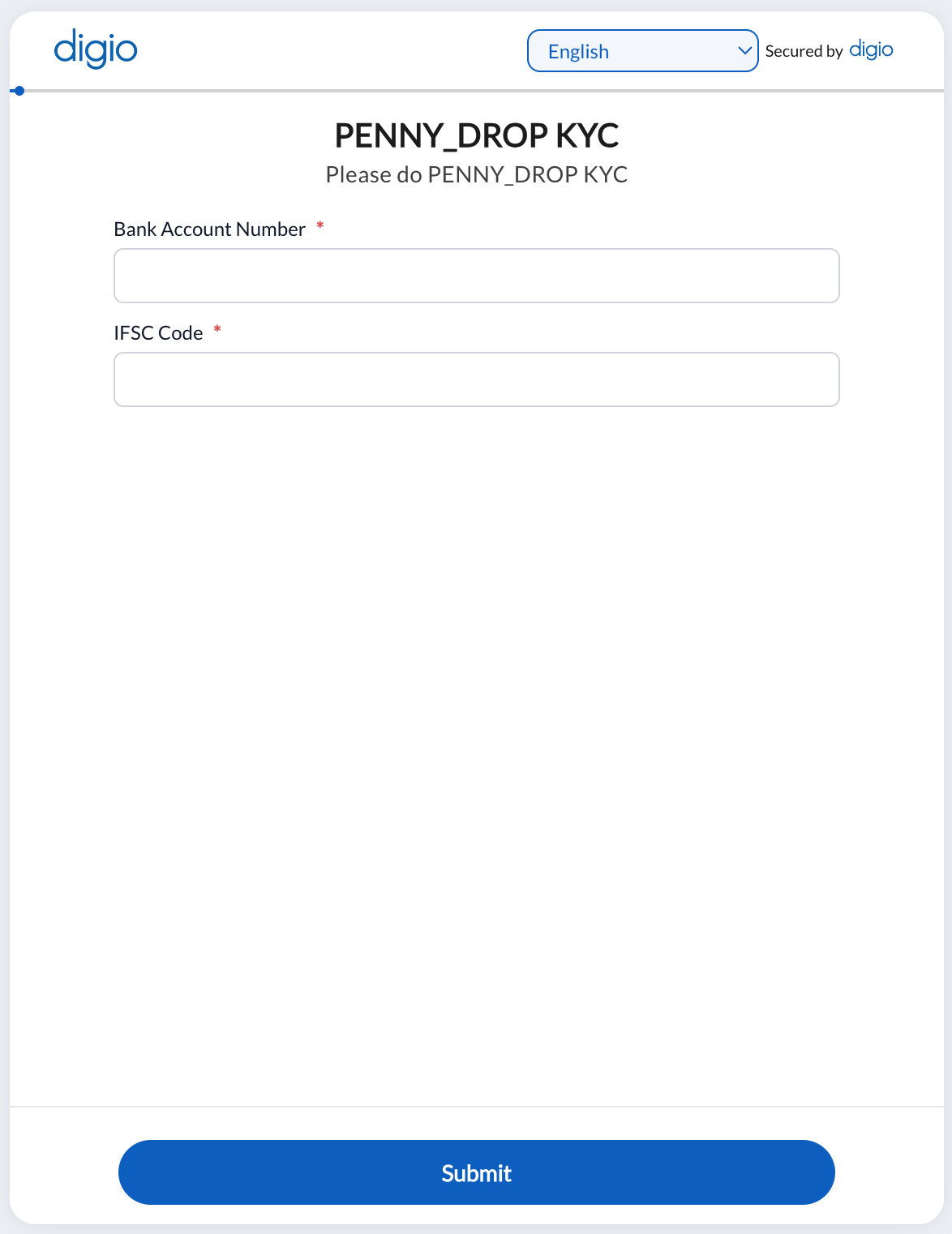
Customer side screen for (Standard) Penny Drop:
Customer side screen for Custom Penny Drop:
First, the same two fields as in the above image appear. On entering a valid Bank Account number and IFSC, a third field appears in which the amount deposited is to be entered: