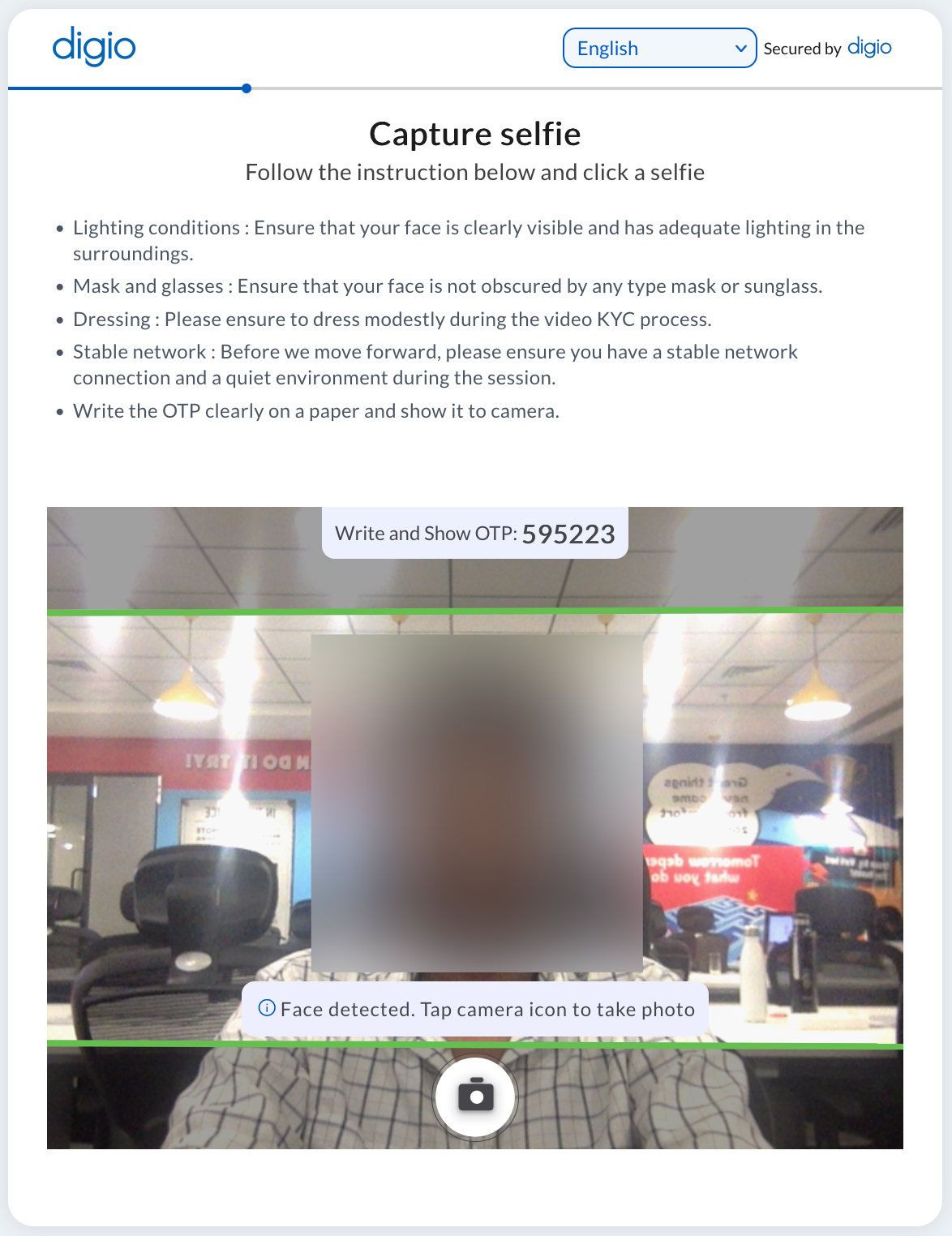
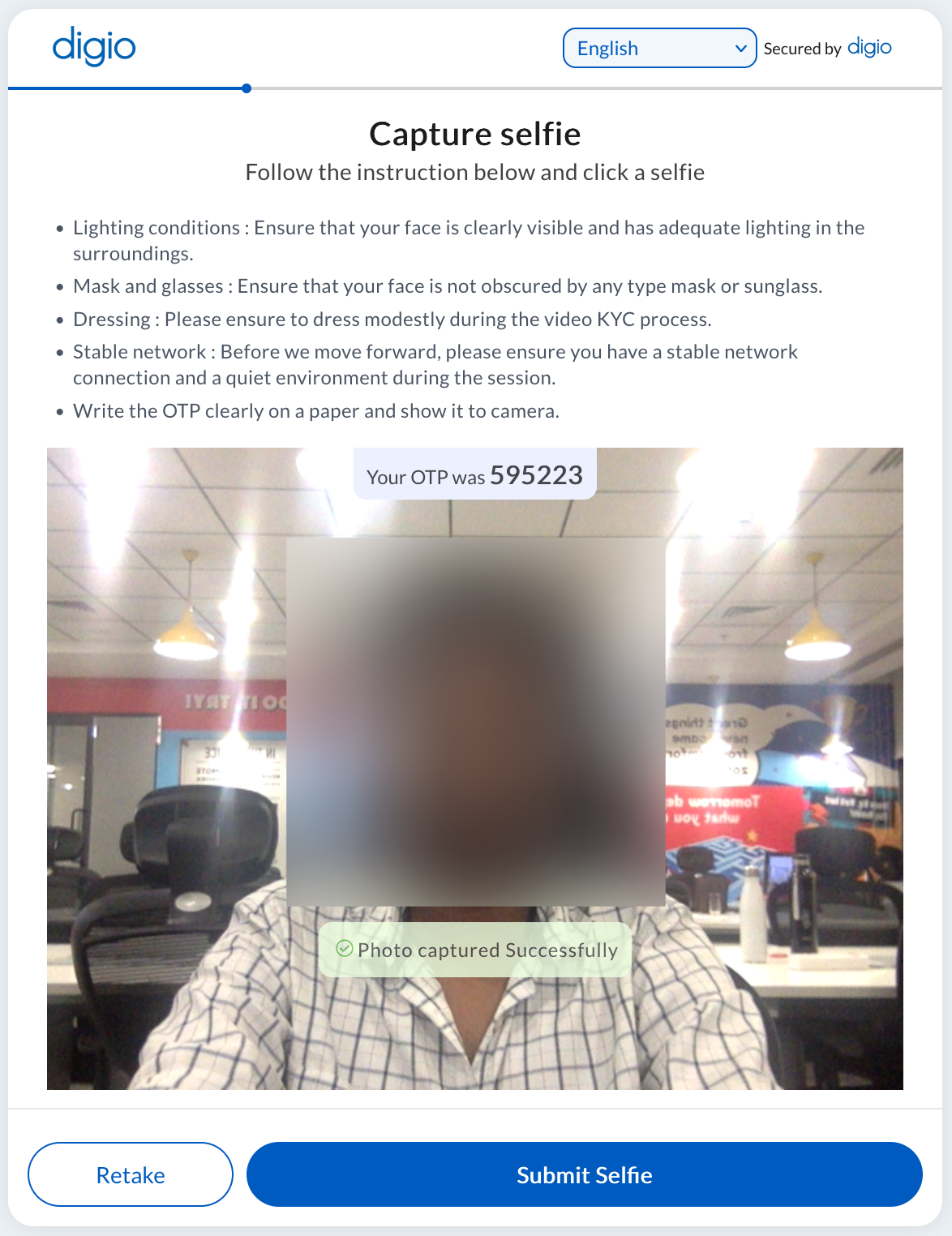
The selfie face photo step is used to capture a photo of the user’s face using their webcam/device front camera. This can be matched with the face photo in ID documents like Aadhaar and PAN to determine if the person appearing in the photo is the same person whose ID is presented.
The options for Face match are identical as mentioned here (AADHAAR_OFFLINE)
The SELFIE step can have a text OTP which the user may write on paper and hold up to the screen. This is verified using image recognition. Geotagging is the only addon possible for this step to verify the location of the user when they appear for KYC. Here is a video guide to configure this step: https://youtu.be/aTUOkMB41dI
The configuration screen is as pictured below:
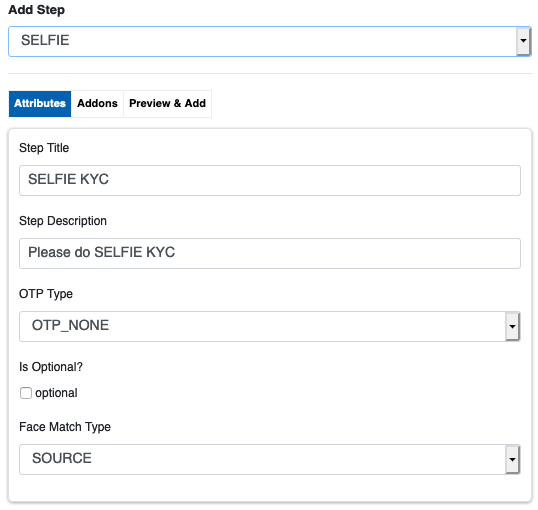
The user’s screen is pictured below. The Title and Description entered in the configuration section are shown at the top (as per input) while the instruction below it is static for all steps of type SELFIE.