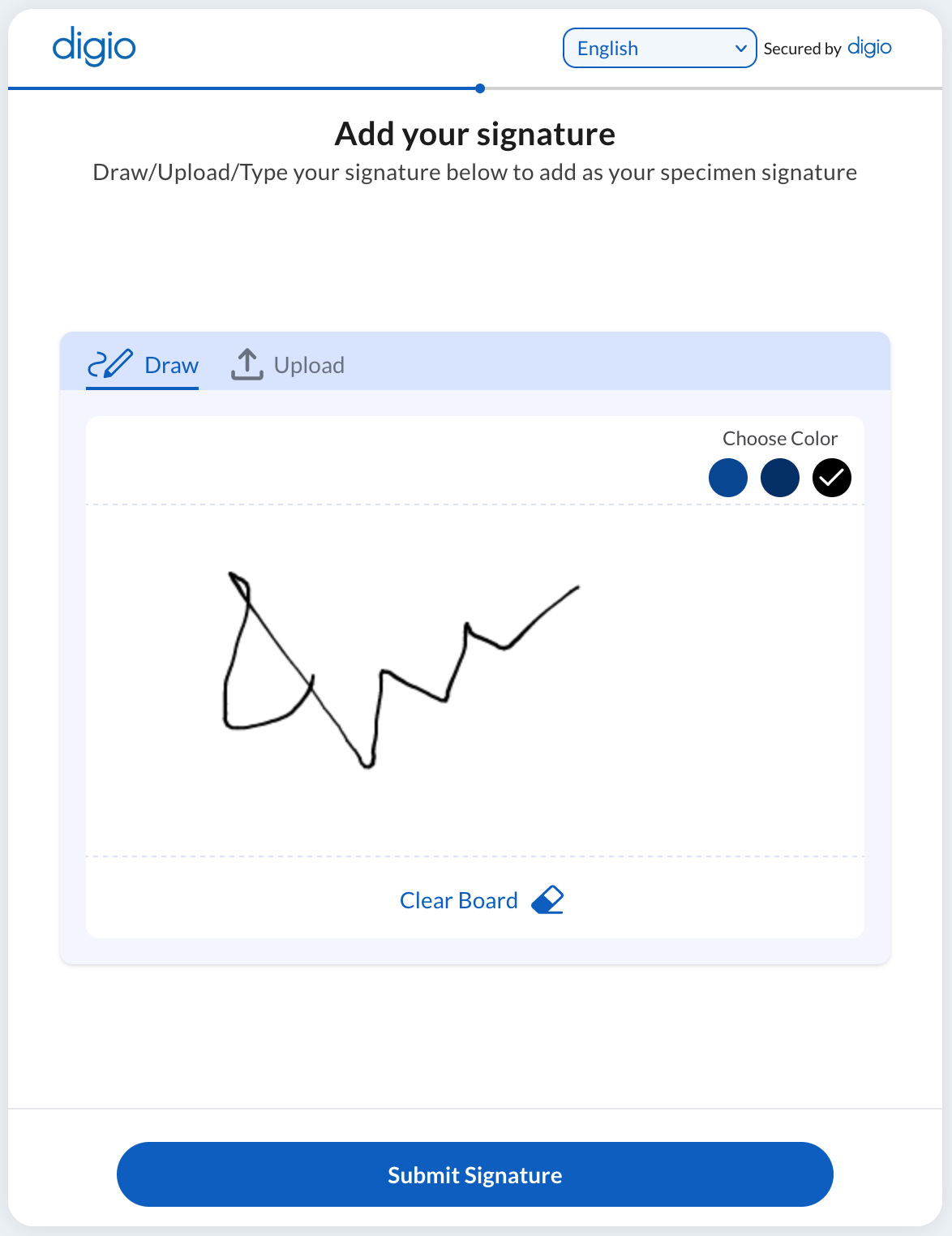
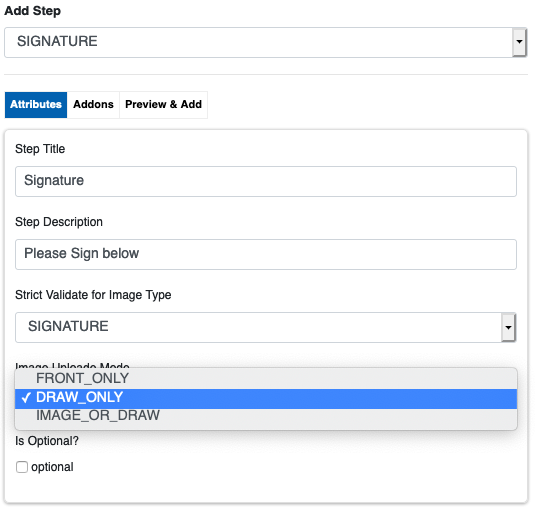
This step allows the user to upload an image of their signature or sign on the screen. This choice can be pre configured or left to the user. The configuration screen is as follows:
The guide video to configure this step can be found here: https://youtu.be/s7xCTJPBDFA
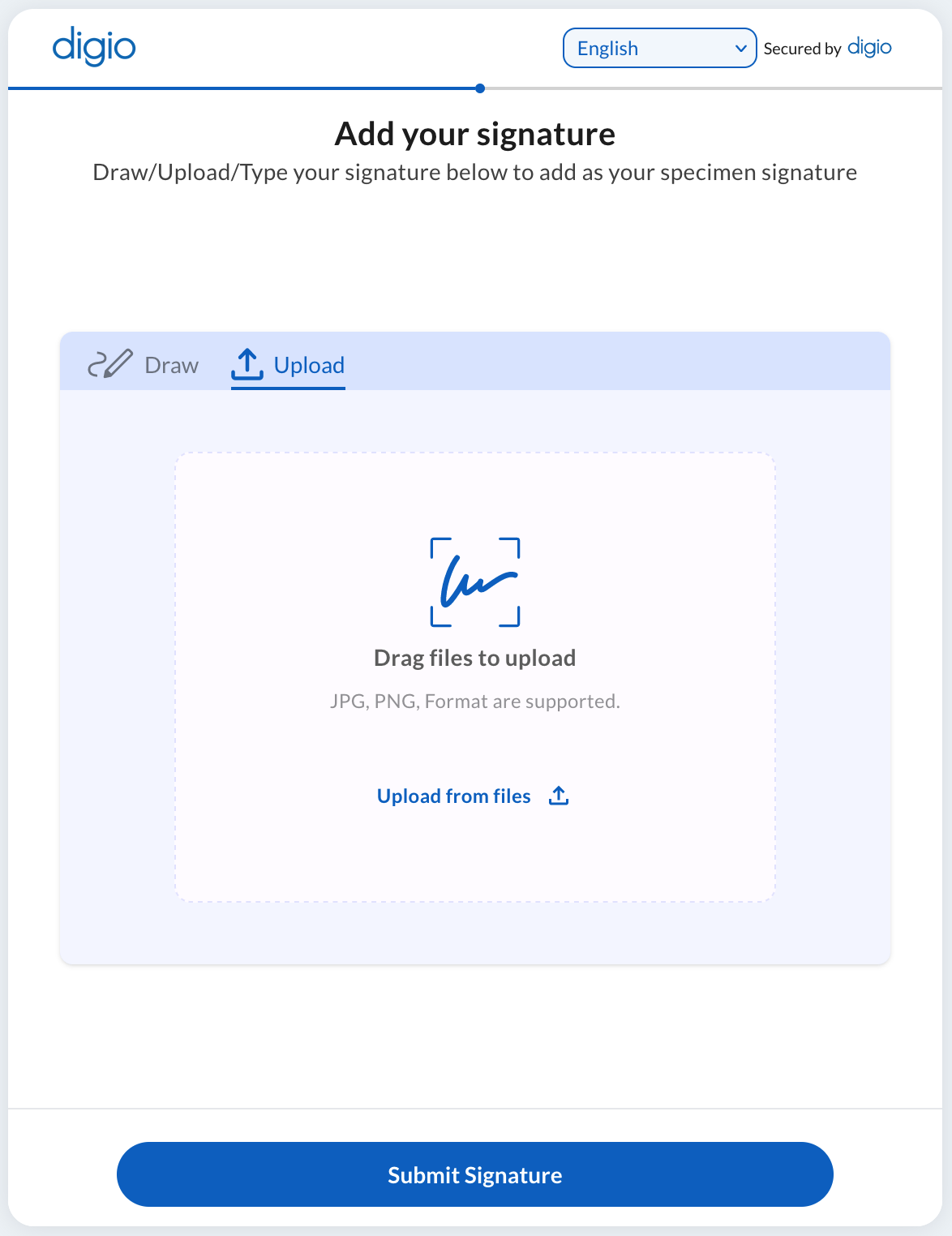
IMAGE_OR_DRAW allows the user to choose to 1. draw a signature on canvas or 2. upload photo of signature, FRONT_ONLY allows only photo and DRAW_ONLY allows only drawing a canvas signature. The user side screen is as follows:
Canvas signature: